Stop re-explaining yourself to tools that forget you. Stop carrying answers between six tabs. Cronus puts every AI agent you use on one desk, gives them one shared memory you own, and routes each job to whoever does it best - while your bill goes down, not up.
Right now we install and support it mostly for independent insurance agencies and real estate brokerages. Both links show what your actual day with it looks like.
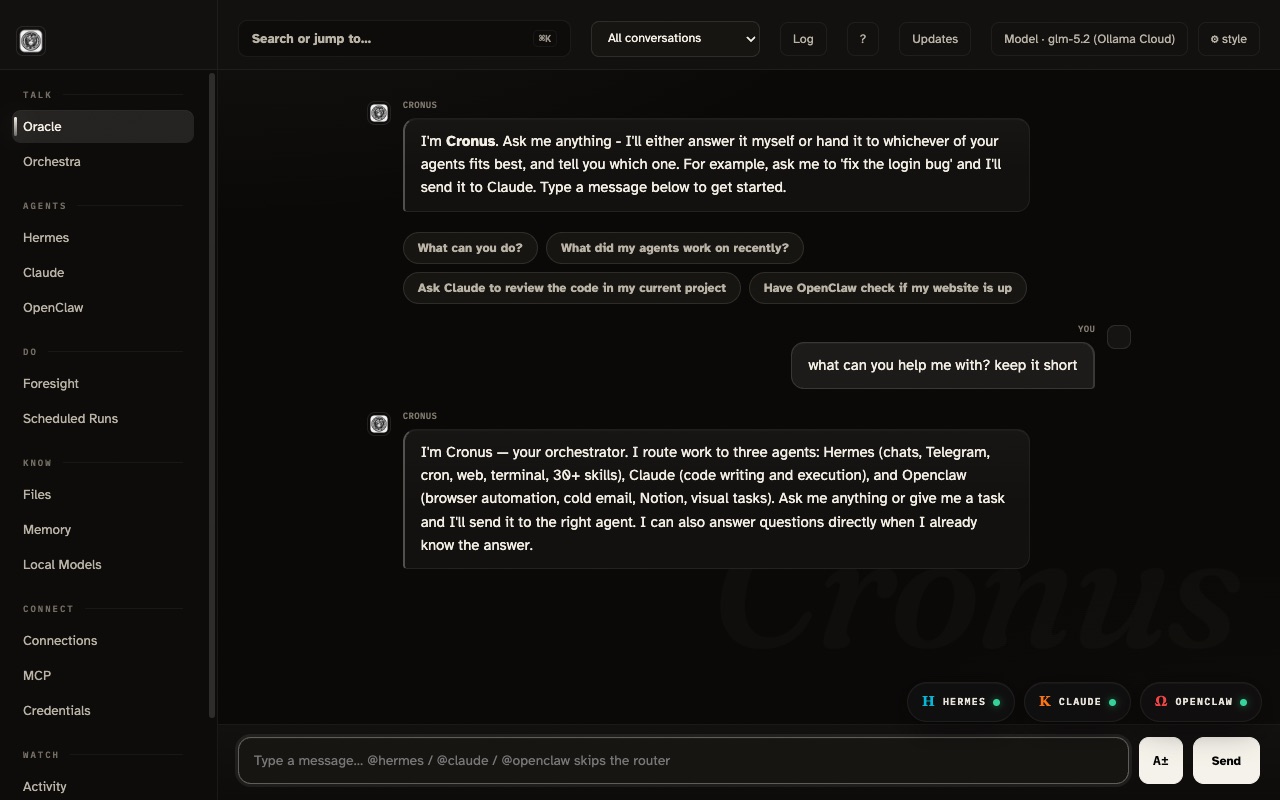
Fifty seconds, with sound. What Cronus is and how it feels to use.
Not features. Outcomes. Ninety seconds, narrated - or read the cards below, each linking to the guide that proves it.
Preferences, projects, lessons - remembered once, applied forever. By week two your stack drafts things the way you would. See how →
One ask, and the right agent gets the job with the context it needs. No more carrying answers from one tab to the next. See how →
Free local models carry the everyday work; expensive brains wake only for jobs that earn them. Spend becomes a dial you set. See how →
Documents get cited by filename. Agent output streams raw. Failures look like failures. You can verify instead of trust. See how →
One agent per job, named out loud. Approval gates on real-world actions. Context that moves only when you move it. Why this works →
Memory, skills, and history are files on your disk. Lose access to a provider? Switch models; everything comes with you. The ownership story →
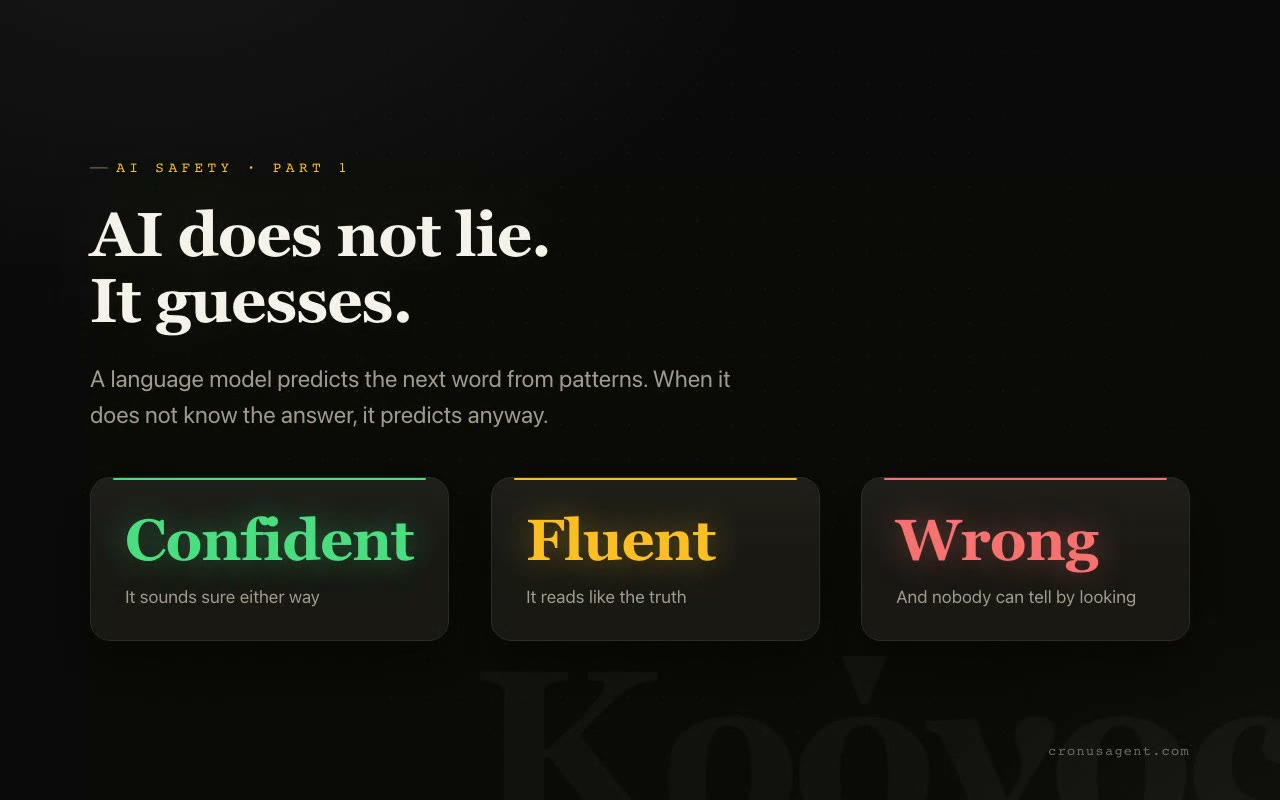
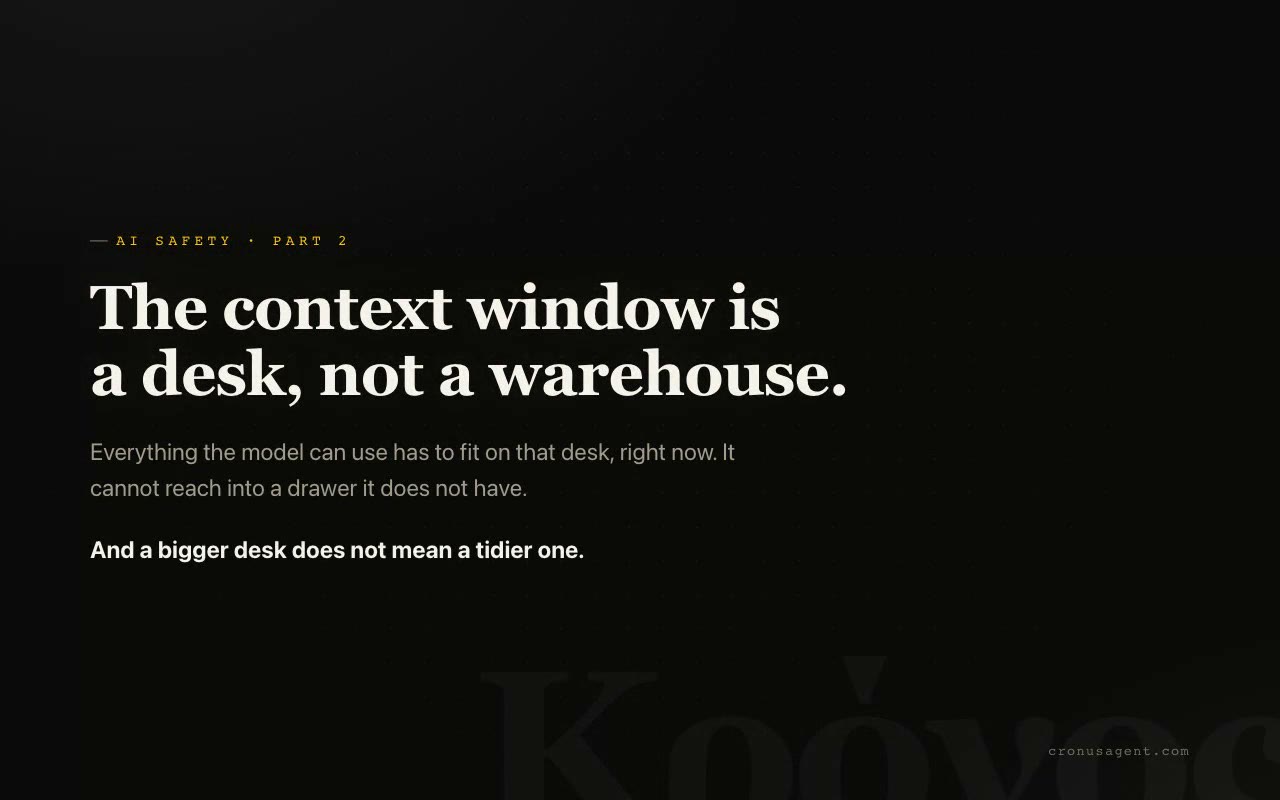
Animated explainers with real research on screen. Why AI makes things up, and what actually fixes it.
Cloud AI rents you intelligence and keeps your history as the hostage. Cancel, lose access, or watch a product get worse, and everything it knew about you is gone. Cronus flips that: models are replaceable engines, and everything that makes the stack yours lives on your disk.
Your Hindsight memories are files on your machine, not a feature of someone's cloud. Read them, back them up, delete them. Your own past does not require a subscription.
The skills Hermes learns from your work and the ones you import are portable files you can open and copy. Years of learned workflows accumulate to you, not to a platform.
Conversations, credentials, automations - on disk, in folders you can look at. Nothing lives behind someone else's login.
If a provider removes your access, raises prices, or gets worse, you point Cronus at a different model - local, flat-rate, or frontier. Your memory, skills, and history come along. You lose an engine, never the brain.
Rent the horsepower. Own the brain.
Three steps, no accounts, free to run.
One command (or the desktop app). Cronus runs on your computer and opens as a normal window. Nothing is uploaded anywhere.
Connect at least one AI model. The free path is a local model via Ollama: ollama pull qwen3:4b. Have a Claude plan? Sign in and use that instead.
Type what you want in plain words. Cronus answers, or hands the job to the right agent and shows you the work as it happens.
Real examples, and who ends up doing the work.
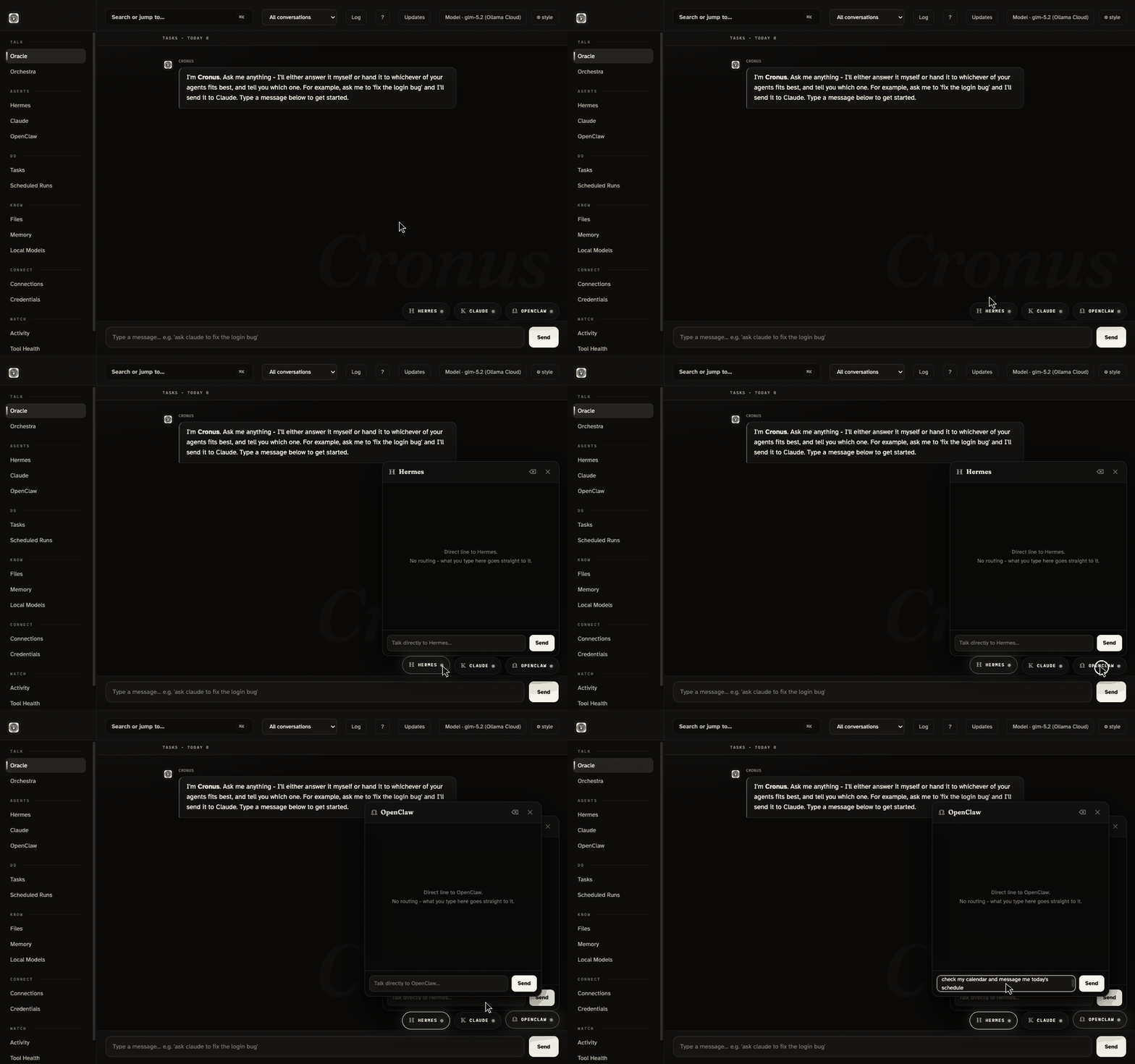
Here is the dirty secret of AI: models have no memory. Close the chat and you are a stranger again - every preference re-explained, every lesson re-learned, forever. An assistant that forgets cannot compound, and compounding is the entire difference between a tool and a coworker. Cronus fixes this with real memory that lives on your machine. It looks like this:
Powered by Hindsight, a memory system that runs locally. Agents save the lesson, recall it when it matters, and get better at your work every week. How memory works →
Context is what an AI can see right now - your message, the conversation, whatever else is in the room. It is the model's entire world for that one answer. Too little context and you get generic filler. The wrong context and your private notes ride along into a tool that never needed them. The right context, at the right moment, is where AI stops feeling like a toy.
In Cronus, each agent's conversation is its own room. What you tell Claude is not ambient background for Hermes. Nothing drifts between rooms on its own.
Separation without sharing would be useless - real work flows across agents. So context moves the way people move: through a door, on purpose, where you can see it.
Which agent knows what, and when - that is a decision Cronus gives to you, not to chance. That is what Orchestra mode is for.
A board for conducting context. Place any conversation from any agent on it, side by side, then drag a thread between two of them and hit Weave - Cronus carries the context across, visibly, on purpose.
Memory is what your stack keeps. Context is what it sees right now. Cronus gives you deliberate control of both - that is the whole product in two sentences. How memory works → · Why control matters →
Per-token bills creep. Subscriptions stack. Most people quietly pay frontier prices for work a cheaper brain handles fine. Cronus is built to route each job to the cheapest model that can actually do it - and the cheap end got very good this year.
A small model through Ollama runs on your own computer: free forever, private, works offline. Plenty for routing, summaries, and everyday questions. This is Cronus's default path - no card required to start.
A flat-rate plan for a serious workhorse model: one monthly price, near-unlimited daily use, no per-word meter running in your head. The everyday driver for people who chat with their stack all day.
The newest open heavyweight lands in the same conversation as the top closed models - independent testers place it around the Opus tier - at roughly a fifth of the price. One OpenRouter key in Cronus and it is on your desk.
Two minutes from zero to the dashboard. Your alpha invite includes access to the private code repository - the commands below work once that access is set up. You need git and Python 3.11 or newer; everything else installs itself on first run.
Works on macOS, Windows, and Linux. For the free local model: 8 GB of RAM works, 16 GB is comfortable. The installers need nothing else; installing from source needs git and Python 3.11+.
Cronus is in early alpha. Installation is open to alpha testers only for now - enter your access code to see the install steps.
No code yet? Request access here - a person replies within one business day. Or have us set the whole thing up for you.
Self-contained: no Python, no terminal, no cloned code. Every download is locked with the SAME access code you just entered: the Mac disk image asks for it when you open it, and the Windows/Linux zips ask for it when you extract. One code, everything. Installers are not code-signed yet, so your system will warn on first open: on macOS right-click the app and choose Open; on Windows click "More info" then "Run anyway".
Open Terminal and run:
git clone https://github.com/agentleadengine/cronus-agent
cd cronus-agent
python3 run.pyFirst run creates its own private environment and installs what it needs, then serves the dashboard at http://localhost:8787/cronus.
Install Ollama, then pull a small local model. Cronus finds it automatically and lists it as "local, free".
ollama pull qwen3:4bThe desktop shell opens Cronus in its own window with a dock icon, and starts the backend for you. Needs Node 22+.
cd desktop
npm install
npm startOr build the installable app: npm run dist:mac produces a DMG under desktop/dist/.
Open PowerShell and run:
git clone https://github.com/agentleadengine/cronus-agent
cd cronus-agent
py run.pyFirst run sets up its own environment, then serves the dashboard at http://localhost:8787/cronus.
A self-contained Cronus Setup.exe (no Python needed at all) comes with your alpha invite - we send the installer directly, or you can build it yourself with npm run dist:win in desktop/ once you have repo access.
git clone https://github.com/agentleadengine/cronus-agent
cd cronus-agent
python3 run.pyDashboard comes up at http://localhost:8787/cronus.
curl -fsSL https://ollama.com/install.sh | sh
ollama pull qwen3:4bWith Node 22+: cd desktop && npm install && npm start, or build an AppImage with npm run dist:linux.
You are early. Here is the truthful state of the software, kept current so nobody installs on false pretenses.
Streaming chat with routing, the agent dock and full agent terminal pages, free local models plus GLM, Gemini, and OpenRouter, memory via Hindsight, Orchestra context weaving, Foresight automation proposals, prompt grading on the composer, and one-click locked installers for all three OSes.
Hermes still takes a while to boot per conversation. Installers are unsigned, so antivirus tools grumble until you allow them. Both are being worked on right now.
Signed installers, faster agent startup, and a richer composer wave already in testing. New versions ship as installers you choose to run - Cronus never updates itself, ever.
Cronus is currently part of Agent Lead Engine LLC's consulting package - alpha access comes with it. Once installed, running on a local model adds nothing; cloud models bill through your own accounts, on your own terms.
Cronus runs on your machine, has no account system, and sends no telemetry. The only thing that ever leaves is a message you route to a cloud model, and it goes straight to that provider, nowhere else.
A reasonably modern computer on macOS, Windows, or Linux. 8 GB of RAM runs the free local model; 16 GB is comfortable. No accounts, no card.
No. Cronus works with whatever you have installed and shows an honest gray dot for the rest. Start with just the free local model and add agents when you want them.
Yes, and we tell you how: delete the app, then two folders in your home directory. No leftovers, no lurking services, no "are you sure" retention tricks.
Email us a short intro - who you are and what you want to use it for. That is the whole application.
Short reads, written for people, not developers.
Narrated video walkthrough, install to first message.
Plain-language docs for every part.
The heavyweight for the hardest jobs.
The learner: teach it your skills once, it keeps them forever.
Skills built in, plus a market of more to import.
Why your agents remember you next week.
Tokens, models, and jargon in plain English.
The honest case, trade-offs included.
Three honest stories of real use.
The threat model, in plain words.
How the consulting engagement works.